Model guide / Krea 2
Krea 2 for detailed AI influencer images.
Once the character and composition are working, a detail-oriented model can help you push the visual finish without changing who the creator is.
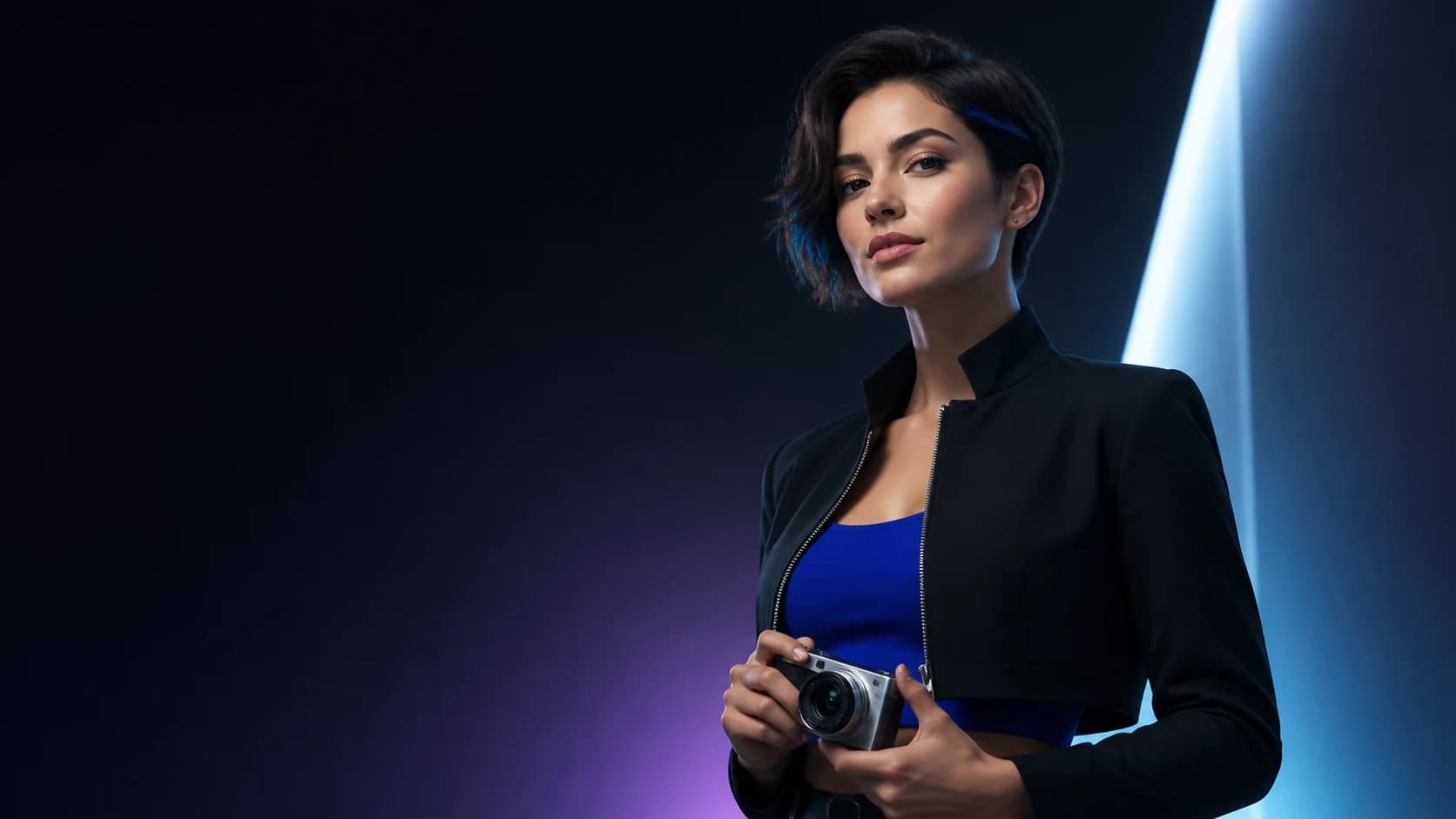 Concept imagery
What you get
A character that survives the next prompt.
Use Krea 2 as the detail-oriented text-to-image option for original, consistent AI influencer scenes.
- Detail-oriented text-to-image option
- Same identity prompt as the fast model
- Scene-first prompt structure
- Image-set gallery for side-by-side review
- Portable character identity for future scenes
How it works
Three decisions. A reusable influencer.
- Start with a locked character
Krea 2 does not replace identity design; it receives the same character direction as every other image request.
- Describe one scene
Give the model a clear action, setting, and mood rather than stacking unrelated ideas.
- Compare with the fast pass
Keep the version that feels like the same creator and fits the brief.
Consistency by default
Same person. Different scene.
Every image request starts from the identity prompt, signature detail, and palette you locked in the studio. Change the scene as often as you want — the creator stays the creator.
How consistent character AI works →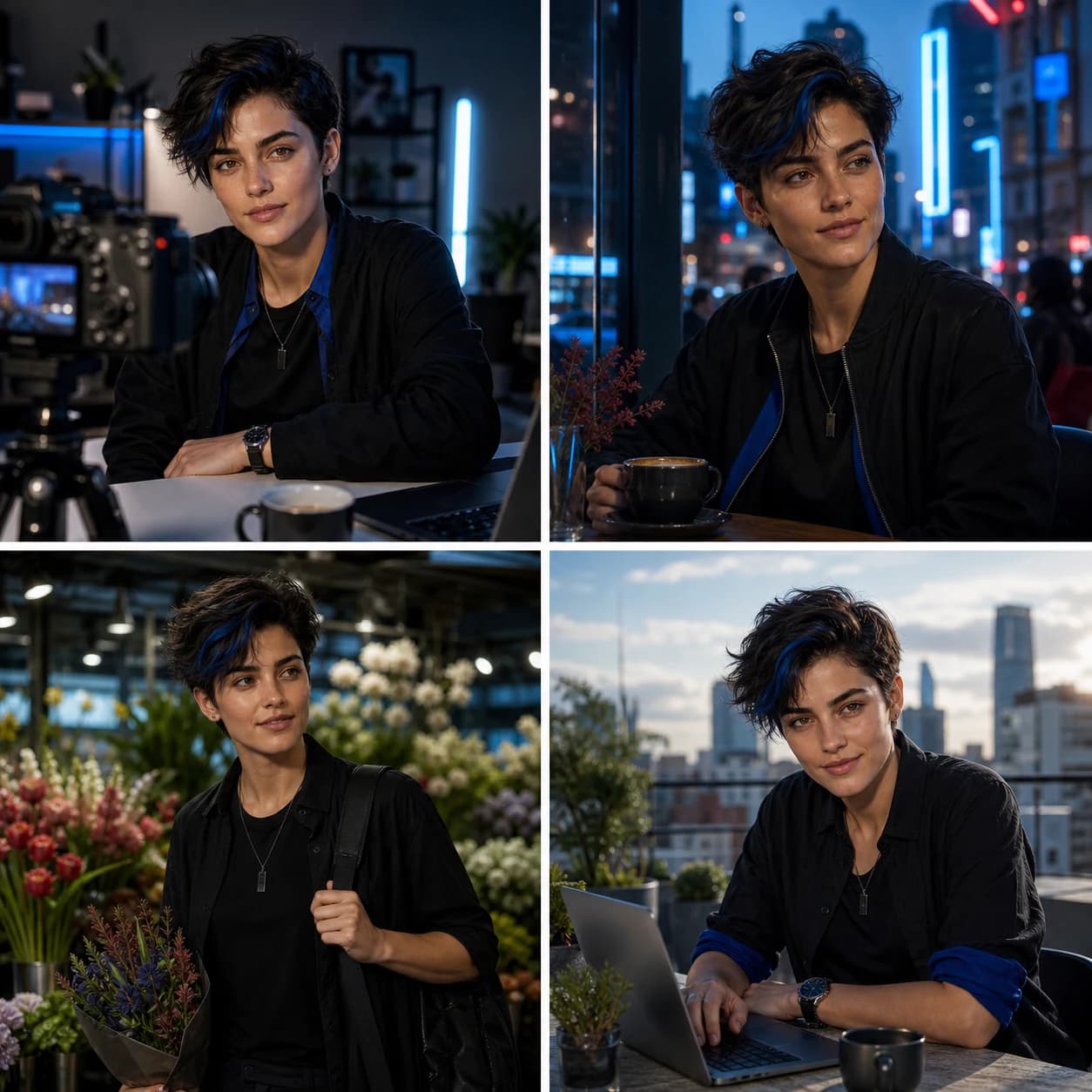 Example set
Questions
Straight answers.
Is Krea 2 used for image-to-image here?
The current studio presents Krea 2 as a text-to-image option built around your saved character identity and scene direction.
When should I choose Krea 2?
Choose it when the character and composition are working and you want to explore a more detailed final look.
Can I use Krea 2 for video?
This model guide covers still images. The studio keeps the character profile portable for future image and video workflows.
Keep exploring
More ways to create.
Free to start
Make your influencer in one focused session.
Start with the character. Generate a small image set. Keep the identity portable.