
Make a character that is ready for video.
Video is downstream of a believable character. Establish the face, visual code, and scene references first; add motion when the video slice ships.
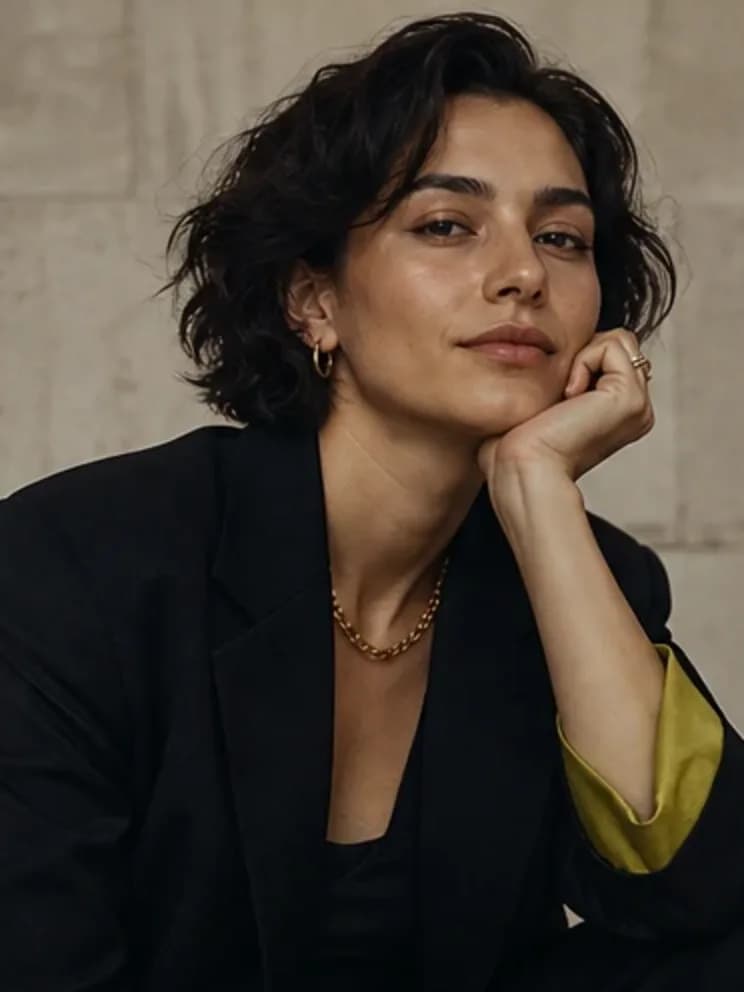
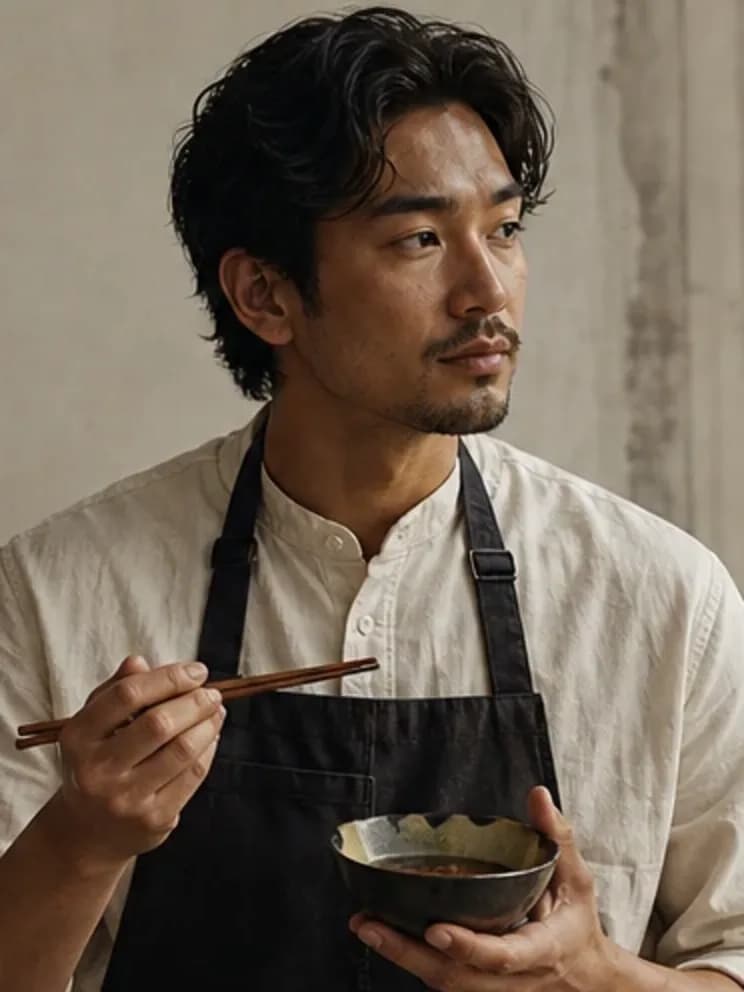
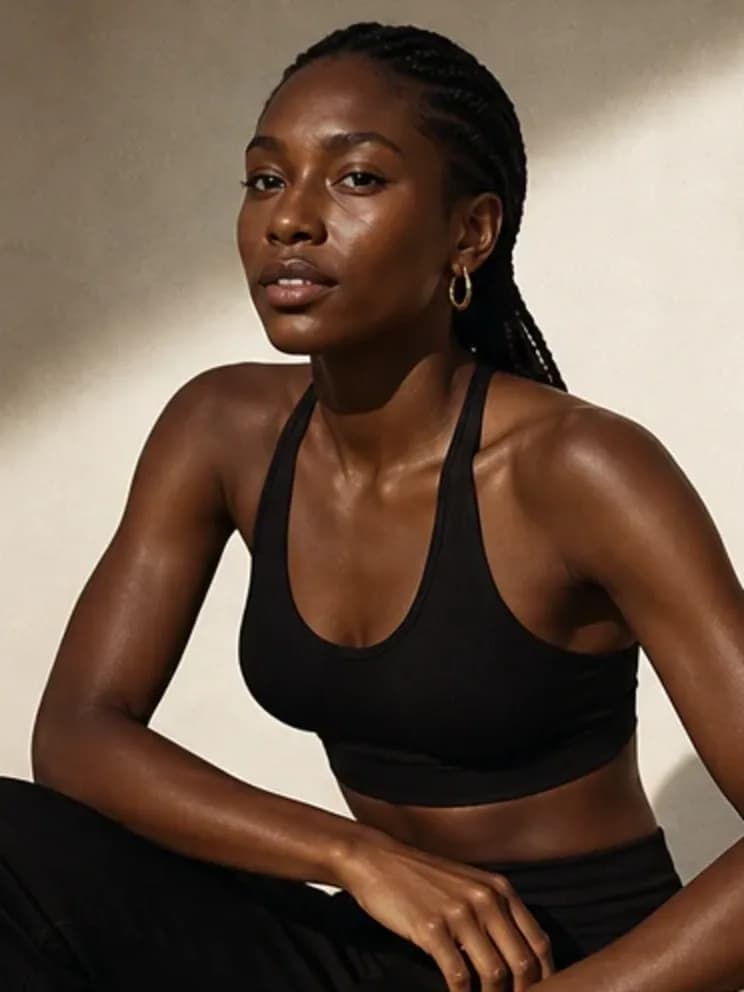
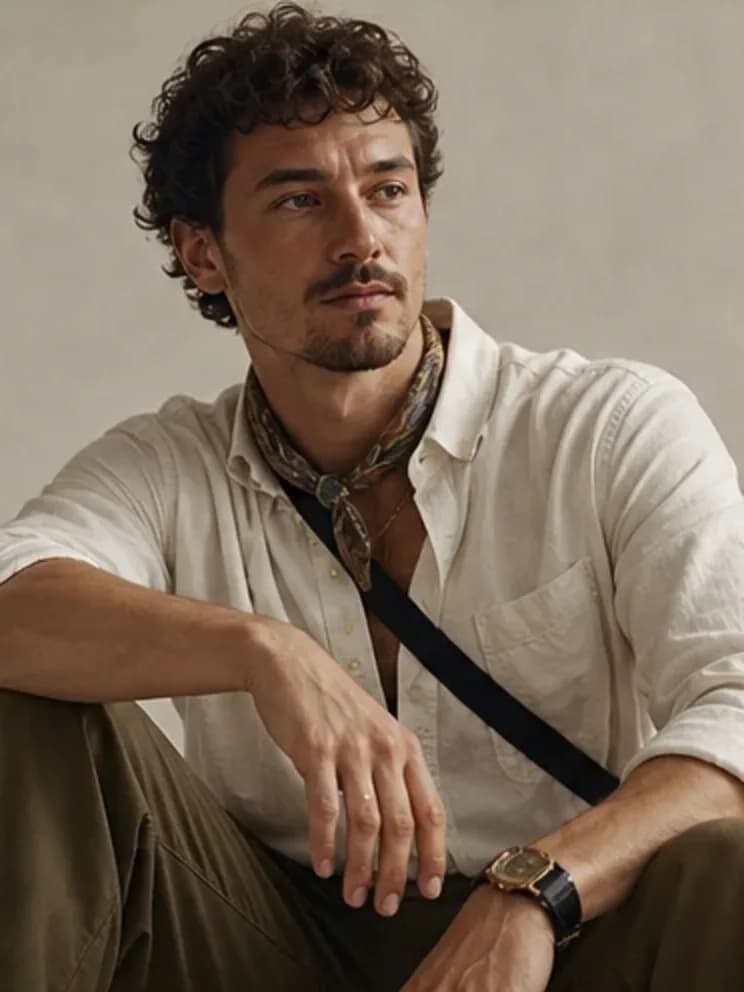
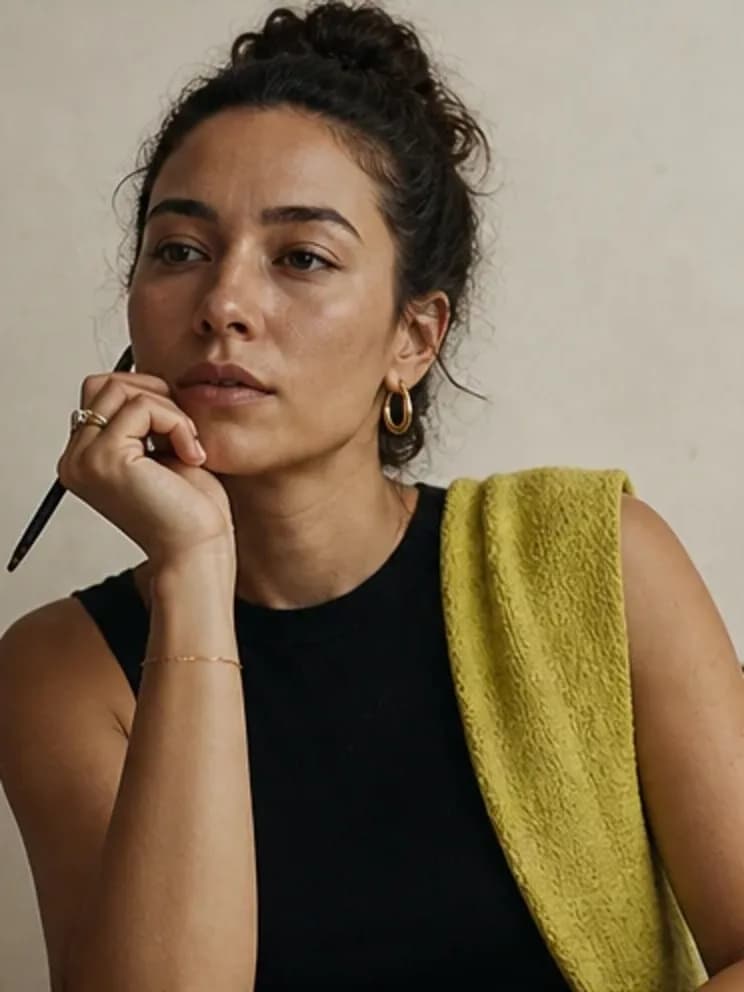
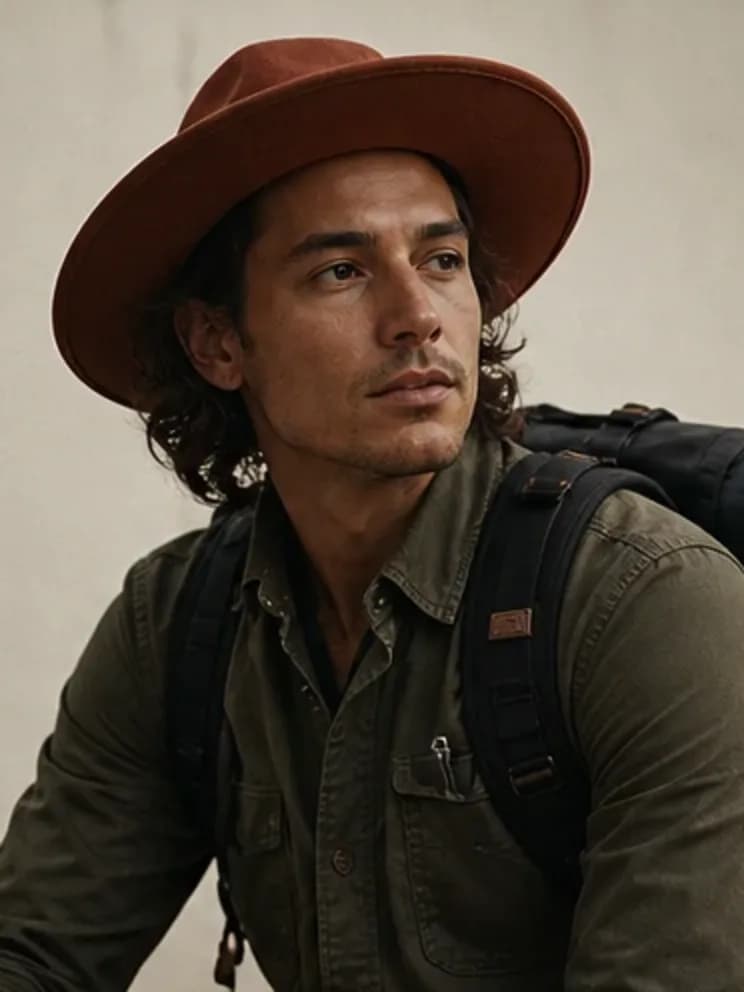
Build once. Direct the next scene.
Create the identity
Lock the character profile before asking for motion.
Build source images
Generate a few clean reference frames with the same character.
Animate deliberately
Use the source image and identity prompt for a future image-to-video job.
A reusable person, not a disposable prompt.
Create a consistent AI influencer identity and photo set designed to become the source for future video workflows.
- Video-ready identity prompt
- Clean source photo sets
- Honest boundary between photo and video capabilities
- No fake video controls
- Portable character JSON
Frequently asked questions
Does the studio generate video today?
Not yet. This release creates photo sets and a video-ready identity. A production video workflow is a separate release and is never faked with disabled controls.
Why start with images?
A consistent source frame makes motion workflows easier to evaluate and keeps the character stable.
Can I turn the photos into video somewhere else?
Yes. The character export keeps the identity prompt and photo references portable for any image-to-video workflow you choose.
Related creator tools
Make the person. Then make the feed.
Build the source character and photo set now. Video lands as its own complete workflow.