Generate photo sets for your AI influencer.
Start small: two to four photos, one scene, one character. Review the look before you scale the content machine.
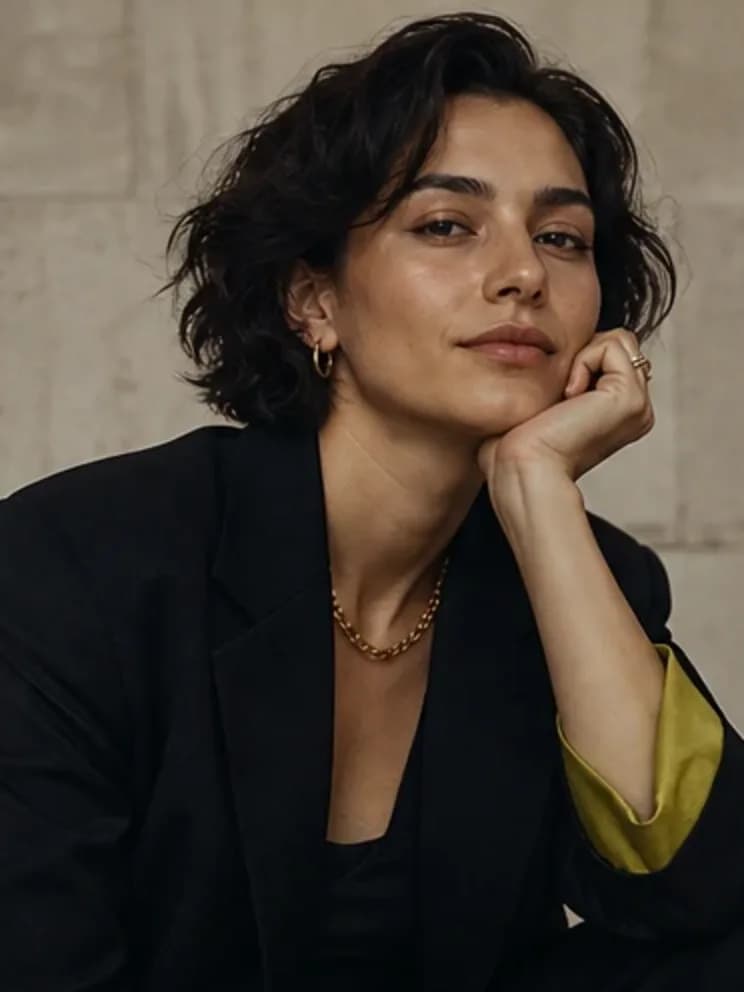
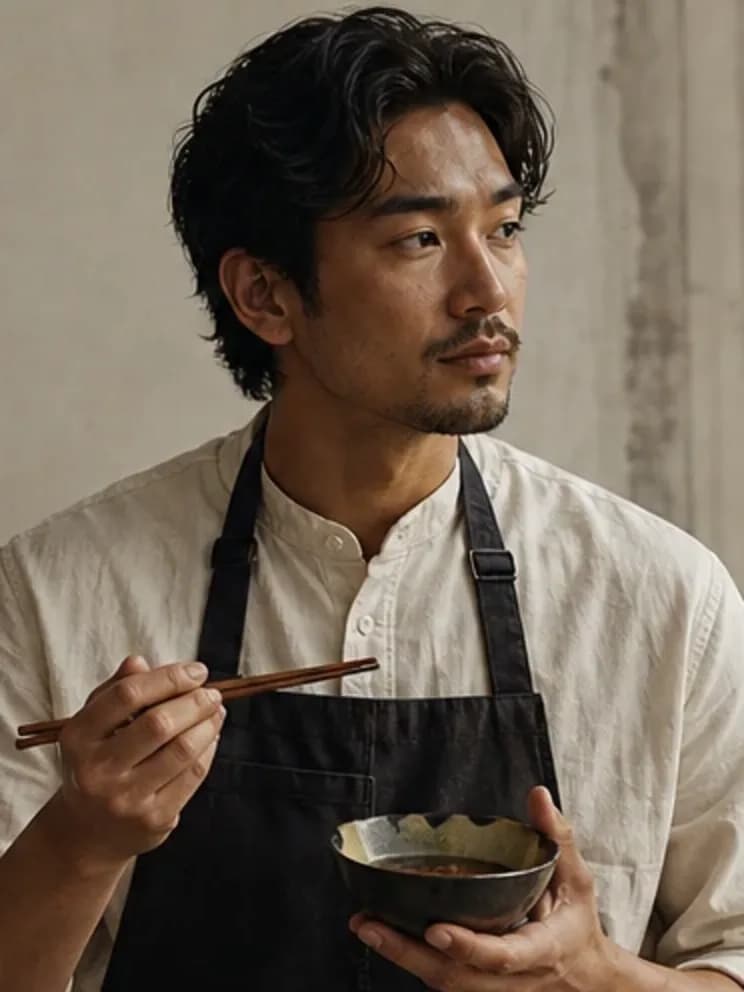
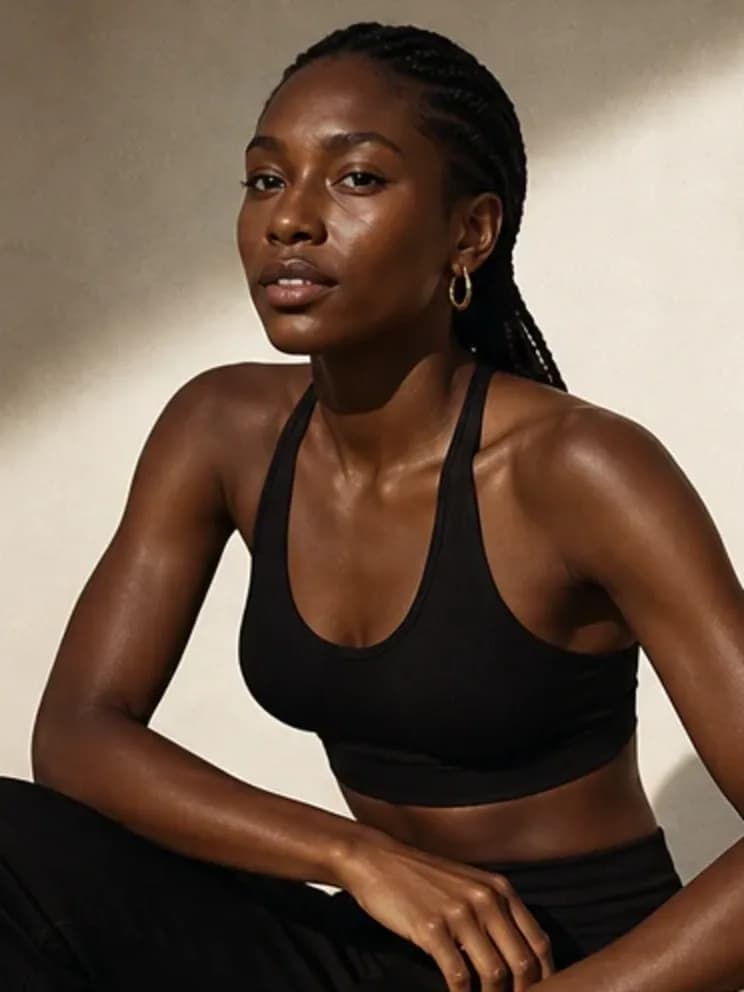
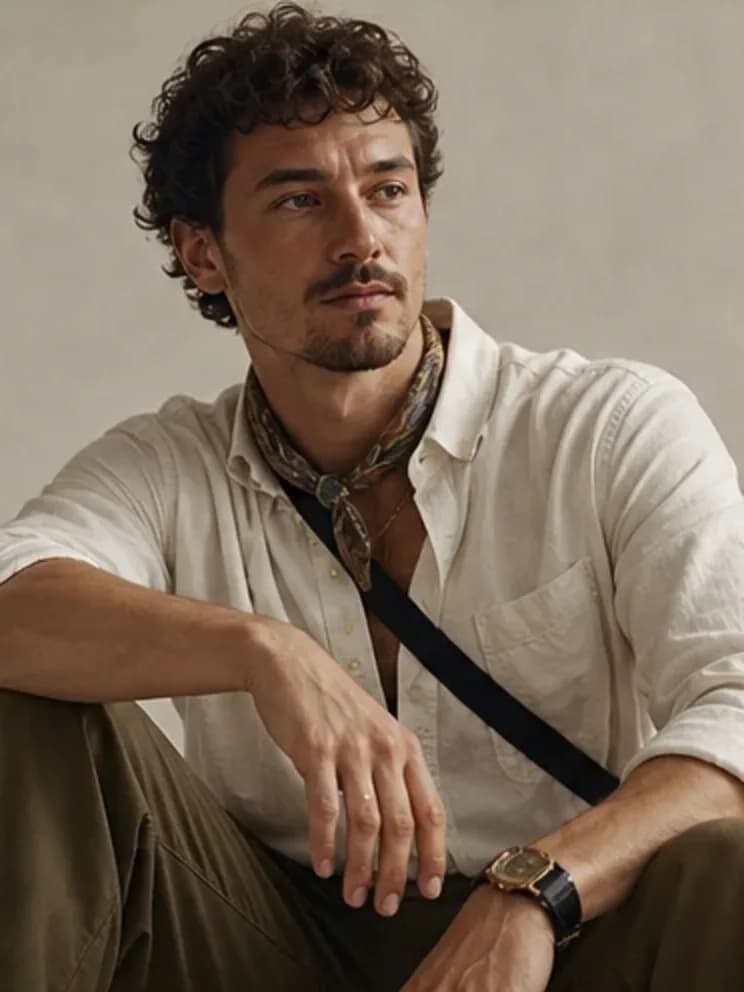
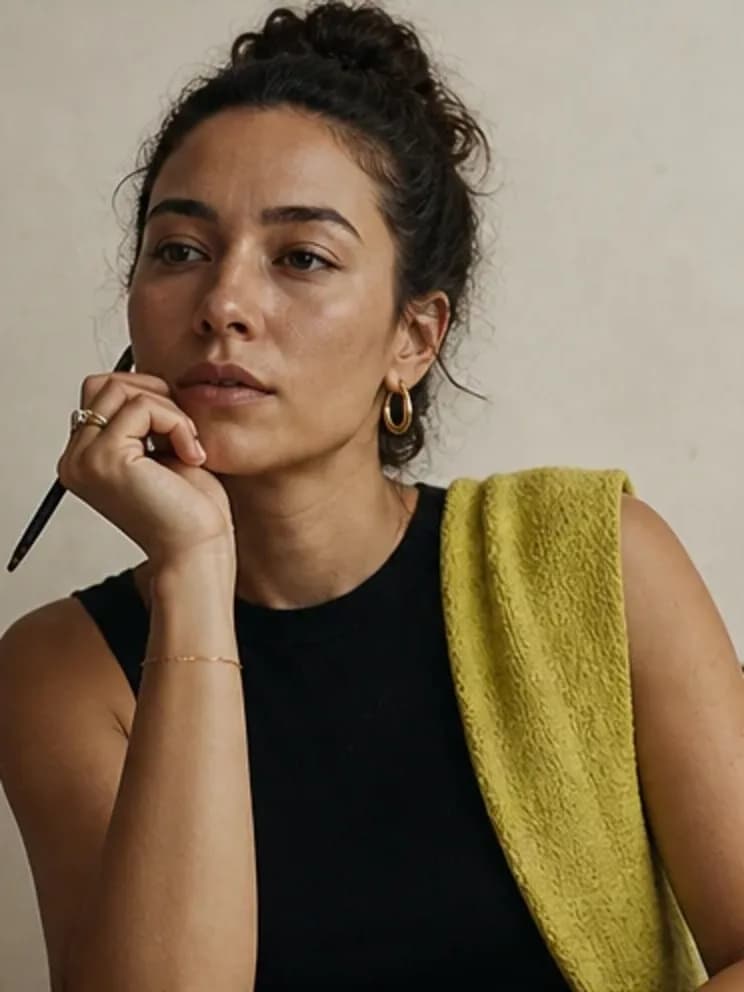
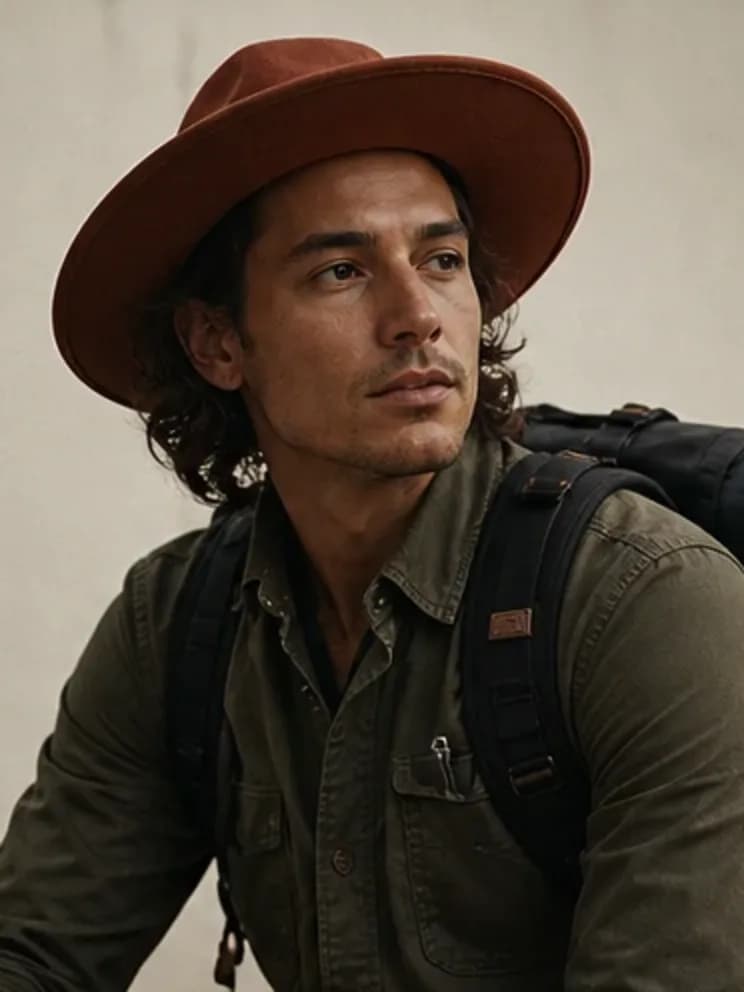
Build once. Direct the next scene.
Choose the scene
Describe the setting and action, not a wall of camera jargon.
Pick the format
Portrait, square, or landscape depending on where the photo will live.
Generate and review
Keep what feels like the character; adjust the scene, not the identity.
A reusable person, not a disposable prompt.
Create AI influencer photo sets from one locked character identity and a single scene direction.
- Fast drafts for exploring a scene
- A detailed option for the final look
- Photo-set gallery with prompt references
- Every photo tied to the same identity prompt
- Demo output clearly labeled when the live service is off
Frequently asked questions
What kind of photos can I make?
Editorial, lifestyle, educational, entertainment, and creator scenes in portrait, square, or landscape formats.
Are the demo images generated from my character?
No. Demo mode uses labeled example imagery to demonstrate the gallery and export flow without pretending it rendered your character.
Can I reuse the character in another image workflow?
Yes. Export the character JSON to keep the identity prompt, visual code, and photo references portable.
Related creator tools
Make the person. Then make the feed.
Start with the character, direct a small image set, and keep the identity portable.