
Create an AI influencer with a consistent identity.
Name the character, set their point of view, lock a visual code, and generate the first photo set without losing the person behind the prompt.
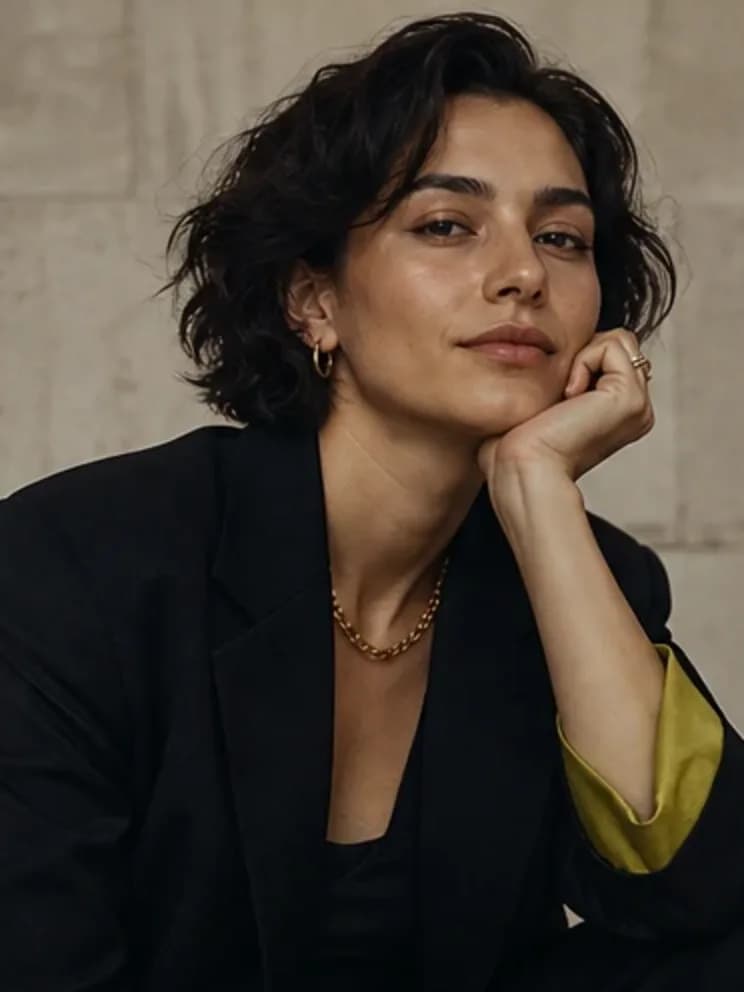
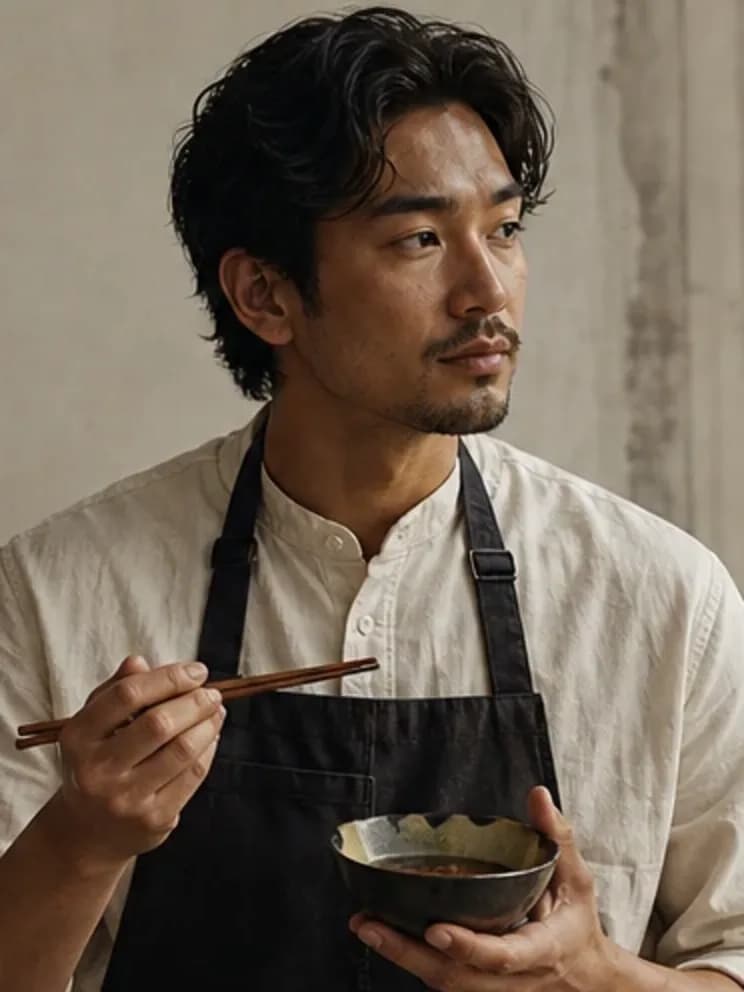
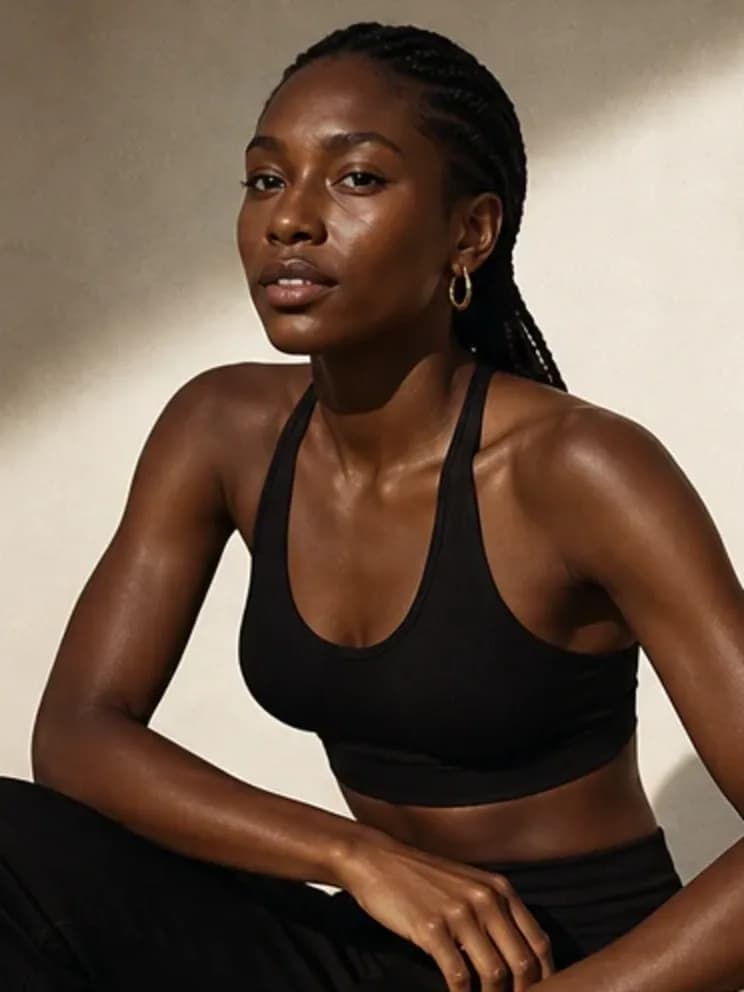
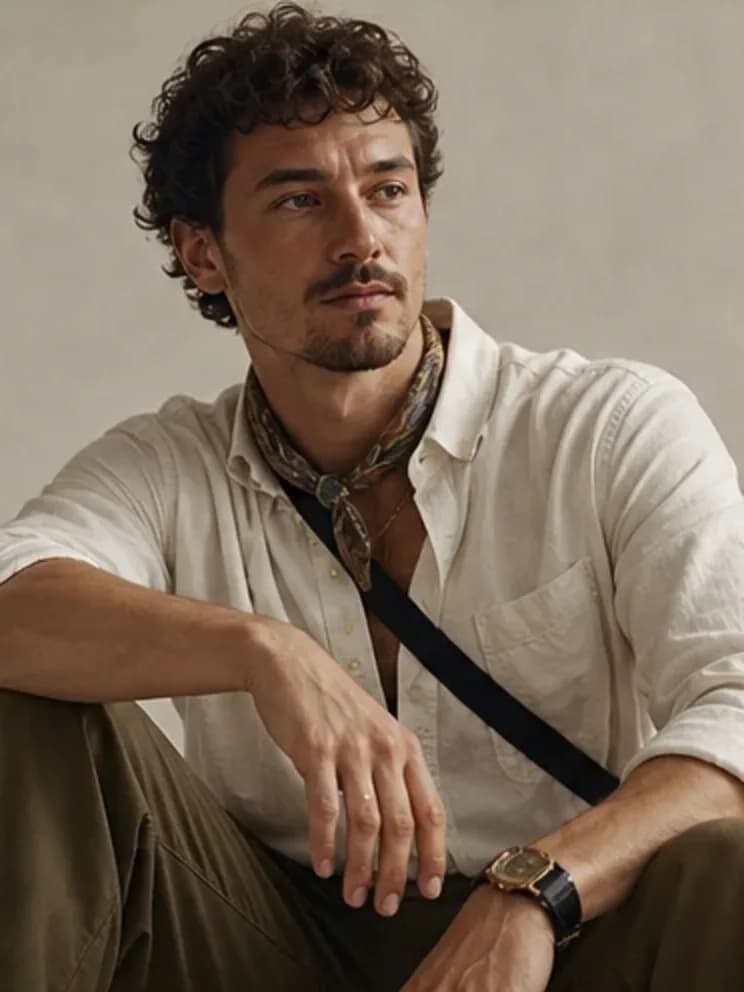
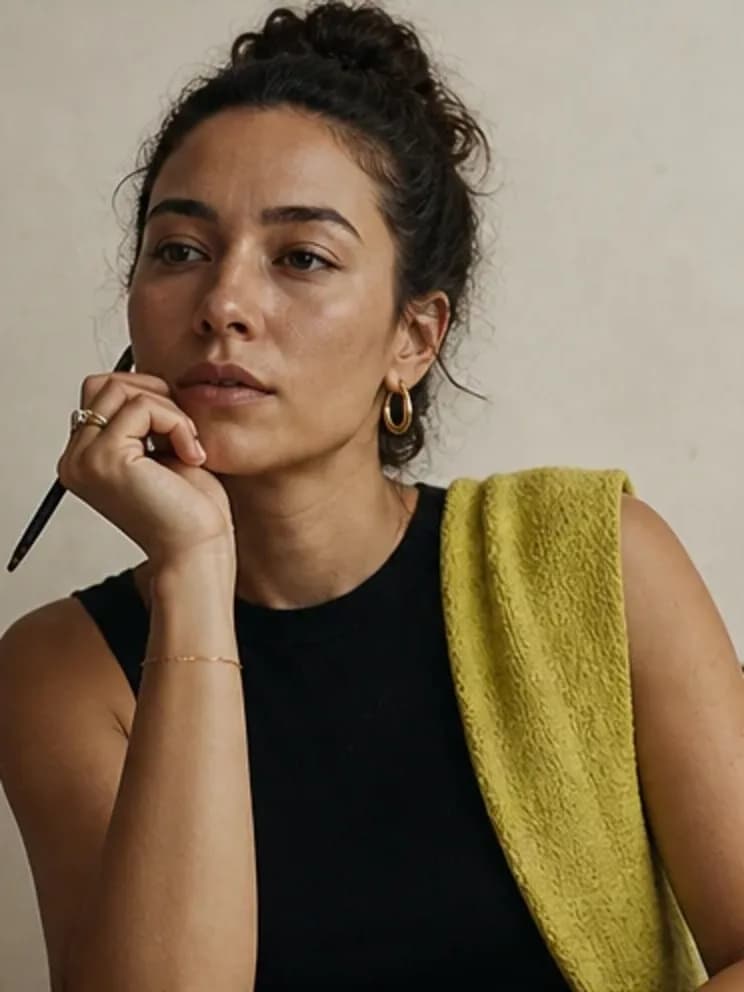
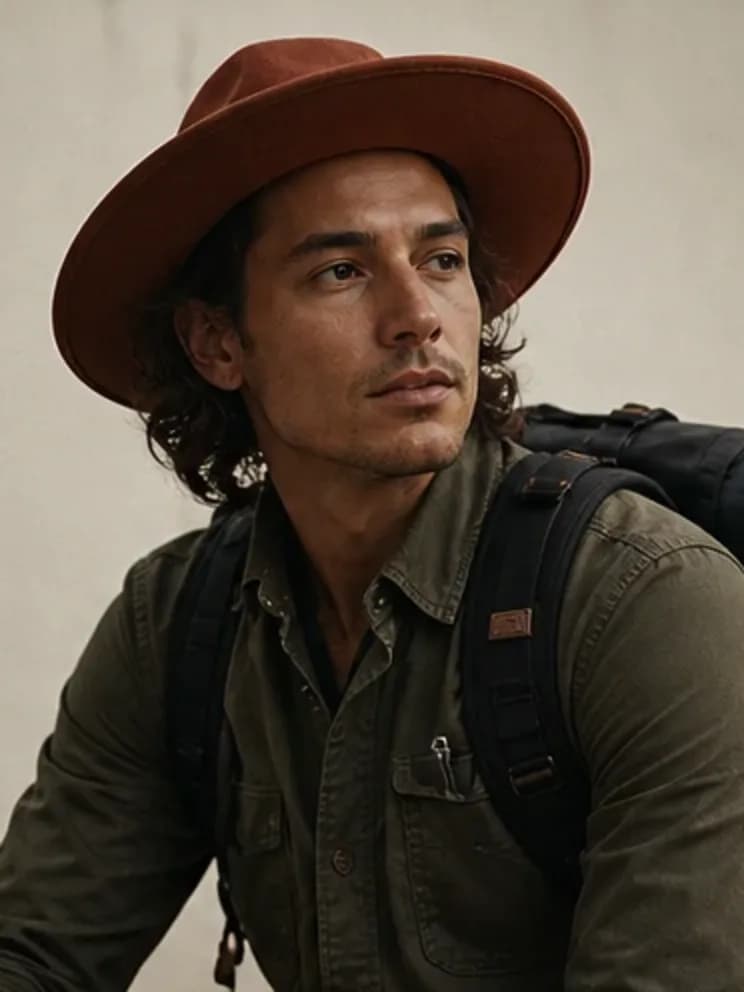
Build once. Direct the next scene.
Define the character
Give the creator a name, niche, premise, and one signature detail.
Lock the visual code
Choose presentation, image direction, and palette. The studio compiles them into one identity prompt.
Generate a set
Write one scene and create a small batch you can review for consistency.
A reusable person, not a disposable prompt.
An AI influencer generator built around one thing: a character whose face, style, and voice stay recognizable across every photo set.
- Reusable identity prompt for every request
- Fast and detailed photo quality options
- Portrait, square, and landscape formats
- Browser-local workspace, no account needed
- Portable character JSON export
Frequently asked questions
What is an AI influencer generator?
It turns a character concept into a reusable identity and a set of consistent creator photos. Influencer Creator keeps the workflow focused on character creation and photo generation.
Can I reuse the same influencer in new scenes?
Yes. The studio keeps the character’s visual code attached while you change the scene, quality, format, or photo count.
How do I keep the same character across images?
Lock the character’s presentation, palette, visual direction, and signature detail once. The studio carries that identity prompt into each new scene.
Related creator tools
Make the person. Then make the feed.
Start with the character, direct a small image set, and keep the identity portable.